Qwen-Image
https://github.com/QwenLM/Qwen-Image
GitHub - QwenLM/Qwen-Image: Qwen-Image is a powerful image generation foundation model capable of complex text rendering and pre
Qwen-Image is a powerful image generation foundation model capable of complex text rendering and precise image editing. - QwenLM/Qwen-Image
github.com
https://huggingface.co/Qwen/Qwen-Image
Qwen/Qwen-Image · Hugging Face
💜 Qwen Chat | 🤗 Hugging Face | 🤖 ModelScope | 📑 Tech Report | 📑 Blog 🖥️ Demo | 💬 WeChat (微信) | 🫨 Discord Introduction We are thrilled to release Qwen-Image, an image
huggingface.co
위 기능이 나온지 얼마 안됬다.
예시를 보니까 엄청 잘 만드는거 같아서 테스트 해보고 싶었다.
그런데 GPU가 없어서 적당한 GPU를 써보려고 하는데 Runpod 라는 서비스가 아주 편리해보여서 사용해봤다.
GPU를 Cloud로 대여해주는 서비스 인데
AWS나 Azure GCP등을 쓰는것 보다 훨씬 빠르고 편하다는 이야기를 듣고 써보고자 한다.
Runpod | The cloud built for AI
GPU cloud computing made simple. Build, train, and deploy AI faster. Pay only for what you use, billed by the millisecond.
www.runpod.io
들어가서 로그인한다.
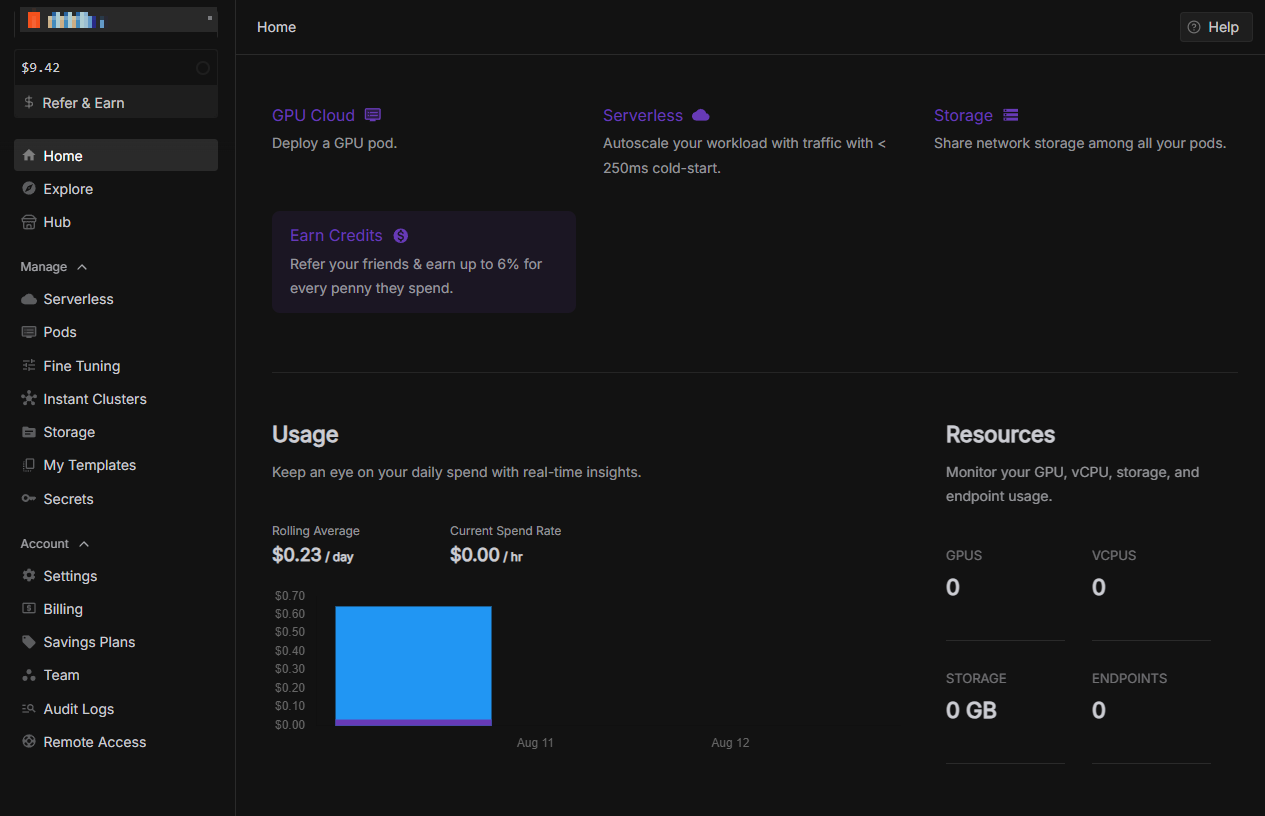
왼쪽 Manage에서 Pods를 클릭한다.

여기서 쓰고 싶은거 고르면 된다.

다 만들고 들어가서 하면되는데
위 그림에서는 A6000으로 되어 있지만 실제로는 H100 SXM을 사용했다.
Qwen-Image는 썡으로 돌리면 VRAM을 57GB를 먹기 때문이다.
적은 RAM으로 돌리는 방법은 추후에 확인해보는걸로 하고
일단 실행하고 pods를 클릭하면 실행중인 pods가 나오는데
실행하기 전에 Edit Pod에서 Storage를 100GB로 바꿔준다.
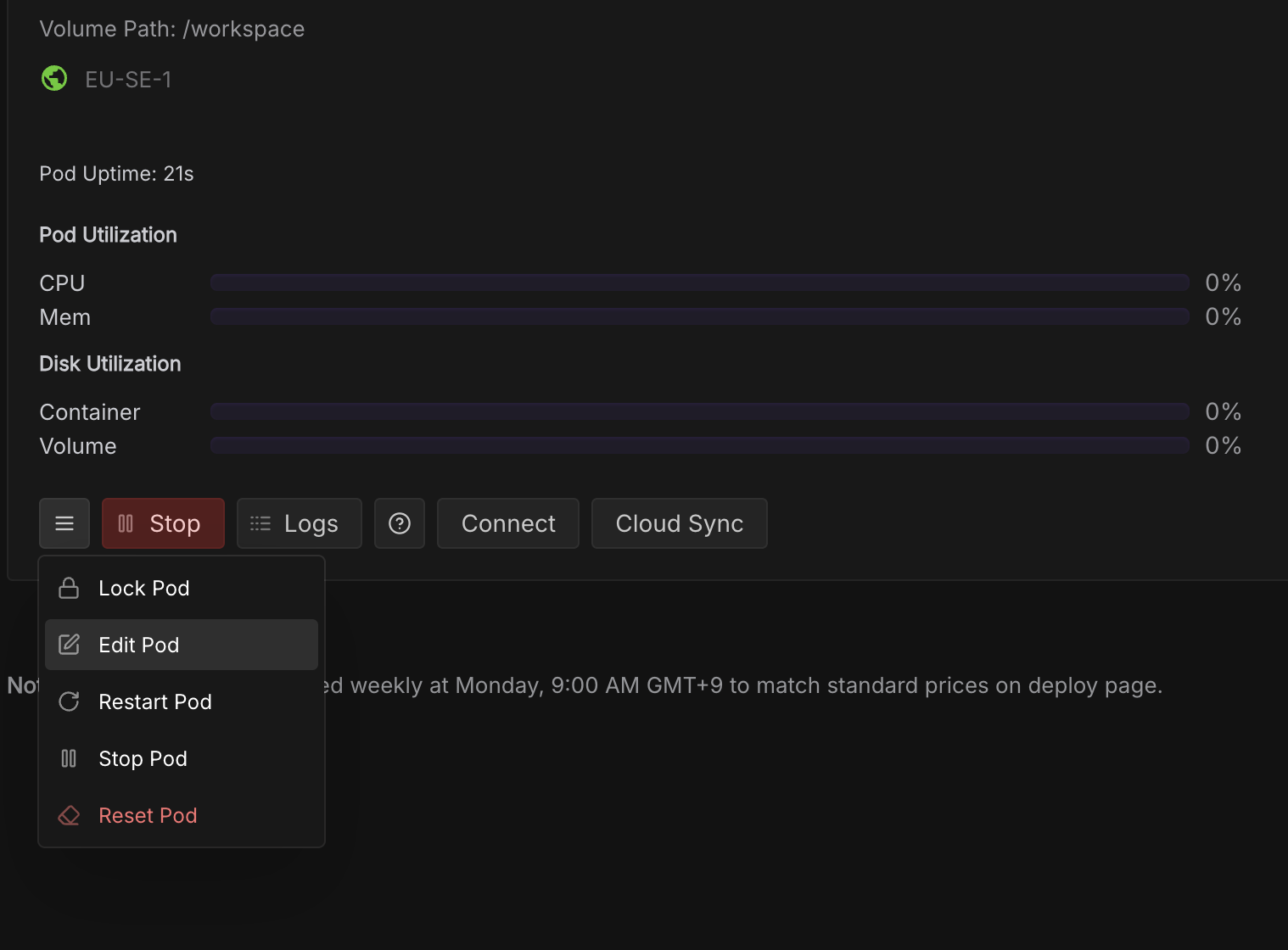
모델만 다운로드 받아도 50GB가 넘치기 때문이다.
이제 connect 버튼을 누르면 아래와 같은 화면을 볼 수 있다.

Connect를 누르고 Jupyter Lab을 클릭하면 창이 뜬다.

위와 같이 나오는데
terminal로 들어가서 RAM을 확인해볼 수 있다.
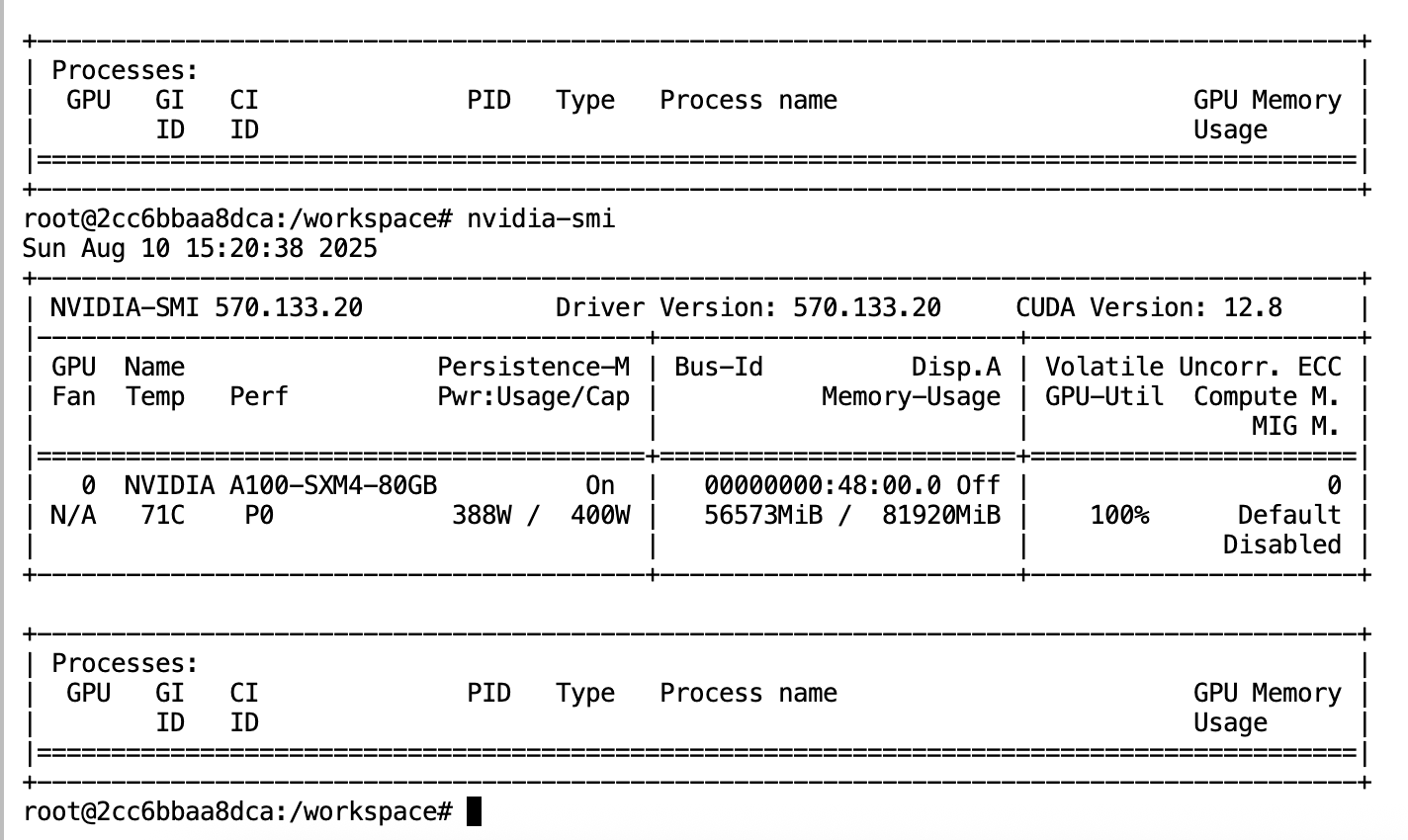
이제 Qwen-Image를 실행하기 위한 것들을 수행해보자.
pip install git+https://github.com/huggingface/diffusers
pip install transformers
pip install accelerate
terminal에서 위 내용을 실행한다.
그리고 jupyter notebook을 열고 아래 코드를 사용한다.
from diffusers import DiffusionPipeline
import torch

model_name = "Qwen/Qwen-Image"

# Load the pipeline
if torch.cuda.is_available():
    torch_dtype = torch.bfloat16
    device = "cuda"
else:
    torch_dtype = torch.float32
    device = "cpu"

pipe = DiffusionPipeline.from_pretrained(model_name, torch_dtype=torch_dtype)
pipe = pipe.to(device)

positive_magic = {
    "en": "Ultra HD, 4K, cinematic composition." # for english prompt
}

# Generate image
prompt = '''A coffee shop entrance features a chalkboard sign reading "Qwen Coffee 😊 $2 per cup," with a neon light beside it displaying "通义千问". Next to it hangs a poster showing a beautiful Chinese woman, and beneath the poster is written "π≈3.1415926-53589793-23846264-33832795-02384197". Ultra HD, 4K, cinematic composition'''

negative_prompt = " " # using an empty string if you do not have specific concept to remove


# Generate with different aspect ratios
aspect_ratios = {
    "1:1": (1328, 1328),
    "16:9": (1664, 928),
    "9:16": (928, 1664),
    "4:3": (1472, 1140),
    "3:4": (1140, 1472),
    "3:2": (1584, 1056),
    "2:3": (1056, 1584),
}

width, height = aspect_ratios["16:9"]

image = pipe(
    prompt=prompt + positive_magic["en"],
    negative_prompt=negative_prompt,
    width=width,
    height=height,
    num_inference_steps=50,
    true_cfg_scale=4.0,
    generator=torch.Generator(device="cuda").manual_seed(42)
).images[0]

image.save("example.png")
확실히 이런거 하는 사람들이 많아서 그런지 뭔지 모르겠지만
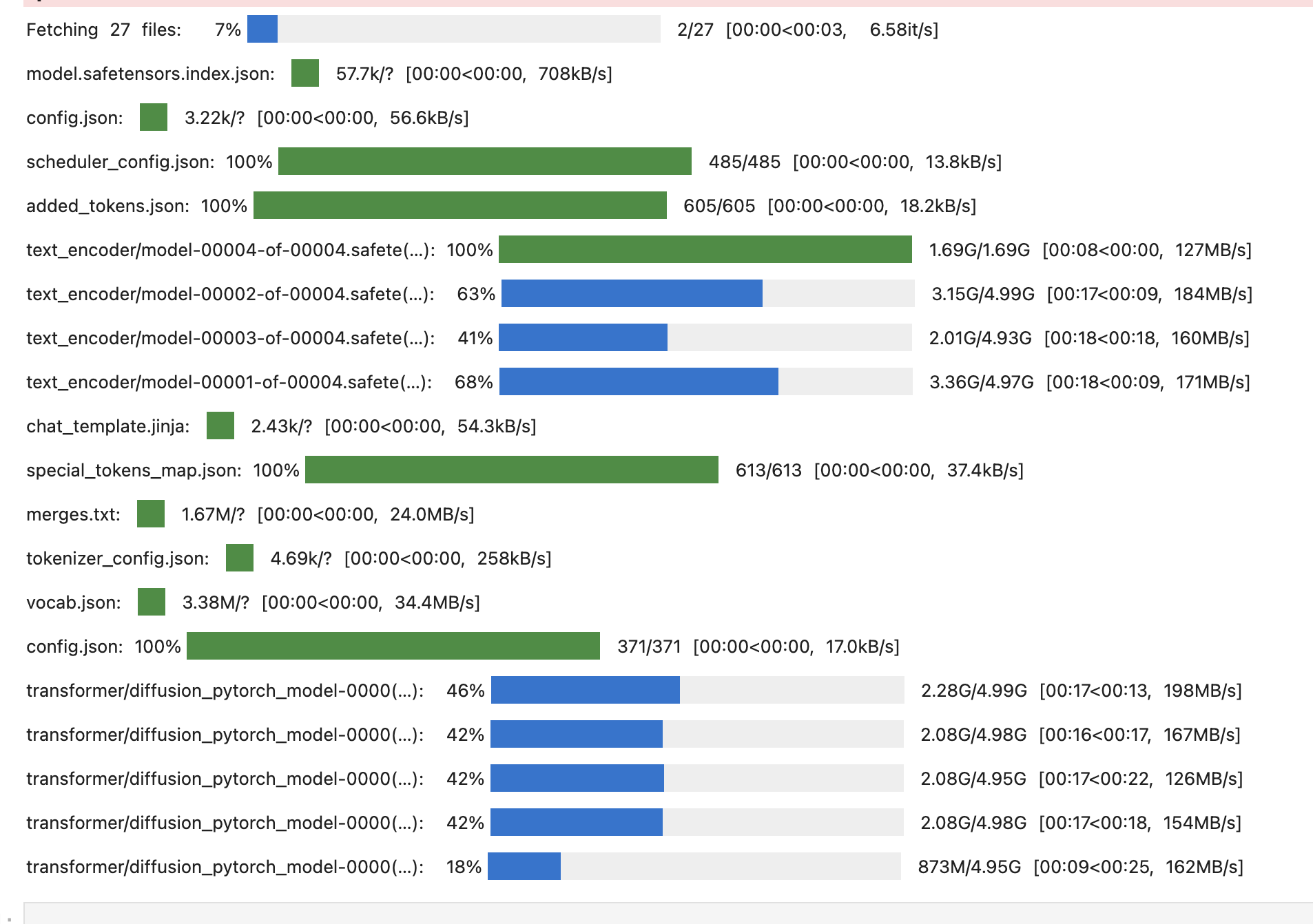
회사 서버로 받을때는 30~40MB/s 정도만 나와도 잘나온다 생각했는데
RunPod에서는 다운로드 속도가 엄청나게 빠르다.
아니 Qwen-Image는 앞서 이야기 한것 처럼 VRAM이 57GB가 필요하다.
실행하면 잘 될거다!
실제로 품질은 상당히 좋다.
글자 표현이 아주 자연스러운게 정말 놀랍다.
만들어진 그림은 VRAM 낮춰서 실행하는 방법을 찾으면 그때 올려보겠다.