Claude Code는 터미널에서 작동하며 코드베이스를 이해하고 자연어 명령을 통해 더 빠른 코딩을 도와주는 지능형 코딩 도구입니다.
라고 사이트에 적혀 있다.
다들 좋다고 하니 나도 한번 써본다.
우선 npm으로 설치해야 해서 Node.js가 있어야 한다.
Node.js 설치
https://nodejs.org/ko/download
Node.js — Node.js® 다운로드
Node.js® is a free, open-source, cross-platform JavaScript runtime environment that lets developers create servers, web apps, command line tools and scripts.
nodejs.org
macbook에서 설치할때
https://github.com/anthropics/claude-code
GitHub - anthropics/claude-code: Claude Code is an agentic coding tool that lives in your terminal, understands your codebase, a
Claude Code is an agentic coding tool that lives in your terminal, understands your codebase, and helps you code faster by executing routine tasks, explaining complex code, and handling git workflo...
github.com
여기 있는 명령어인
npm install -g @anthropic-ai/claude-code
이걸 그대로 쓰면
권한 문제가 발생하는 경우가 있다.
claude 라는 binary file을 npm을 통해 설치하는데 위치가 /usr/local/lib/node_modules 여서 권한 문제가 생기는거다
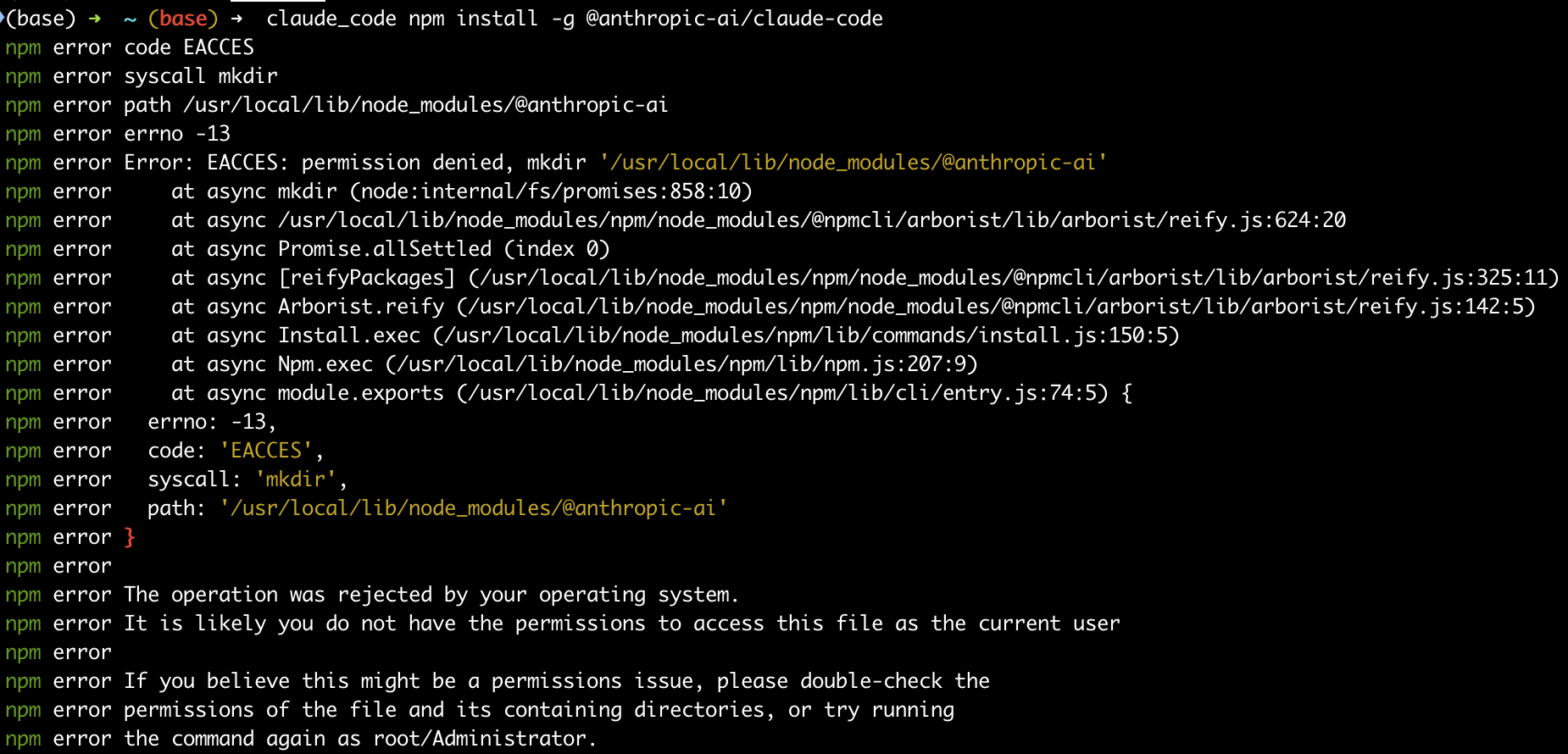
이걸 해결하는 방법으로 sudo를 통해서 설치하는 방법도 있고
다른 방법으로는
npm의 global directory를 home directory로 변경하는 방법이 있다.
mkdir ~/.npm-global
npm config set prefix '~/.npm-global'
echo 'export PATH=~/.npm-global/bin:$PATH' >> ~/.zshrc
source ~/.zshrc
npm install -g @anthropic-ai/claude-code
위 내용을 적용한 뒤에 npm install 을 수행하면 성공적으로 설치가 된다.
잘 설치가 끝나면 terminal에 claude를 입력했을때

위와 같은 설정 단계가 나온다
그리고

사용하려면 구독하라고 나온다.
Claude 구독해야 쓸 수 있다.
구독이 끝나면 terminal에 있는 링크를 클릭하면 된다.
그럼 아래와 같은 창이 나타난다.

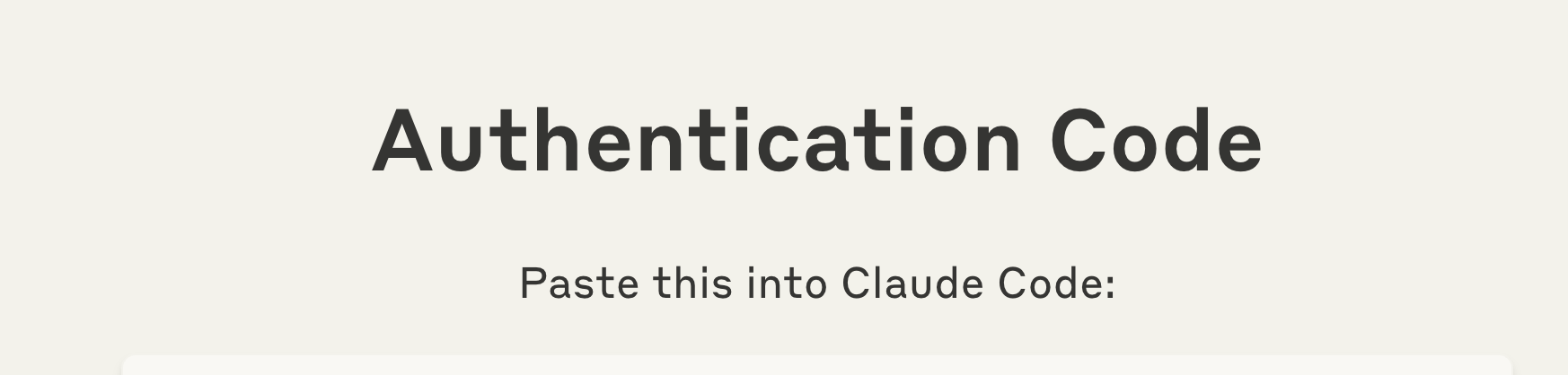
코드가 나와서 아래부분은 잘라냈다.
코드 복사 해서 붙여 넣기 하고 엔터 누르면
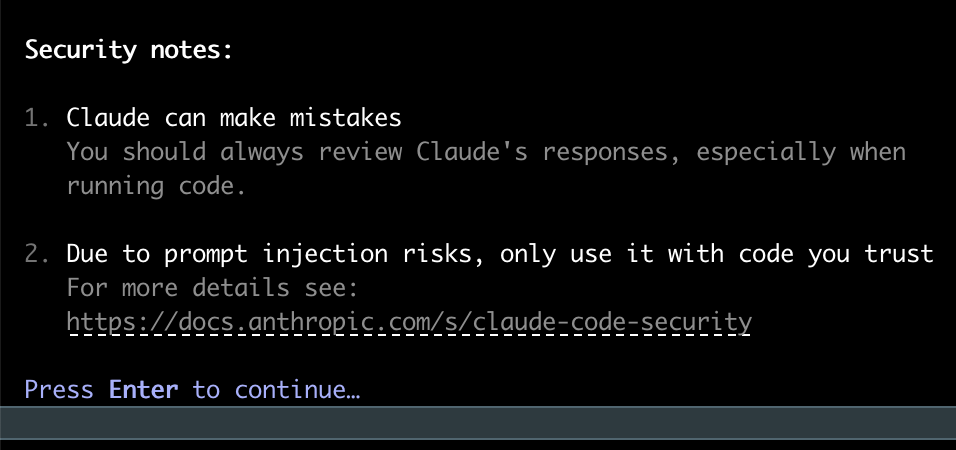
ㅇㅋㅇㅋ

이런식으로 나온다.
최상의 결과물을 원한다면 프로젝트 디렉토리에서 수행하라고 하니
대충 하나 만들고 들어가서 해본다.


잘 되었고
아무거나 시켜본다.
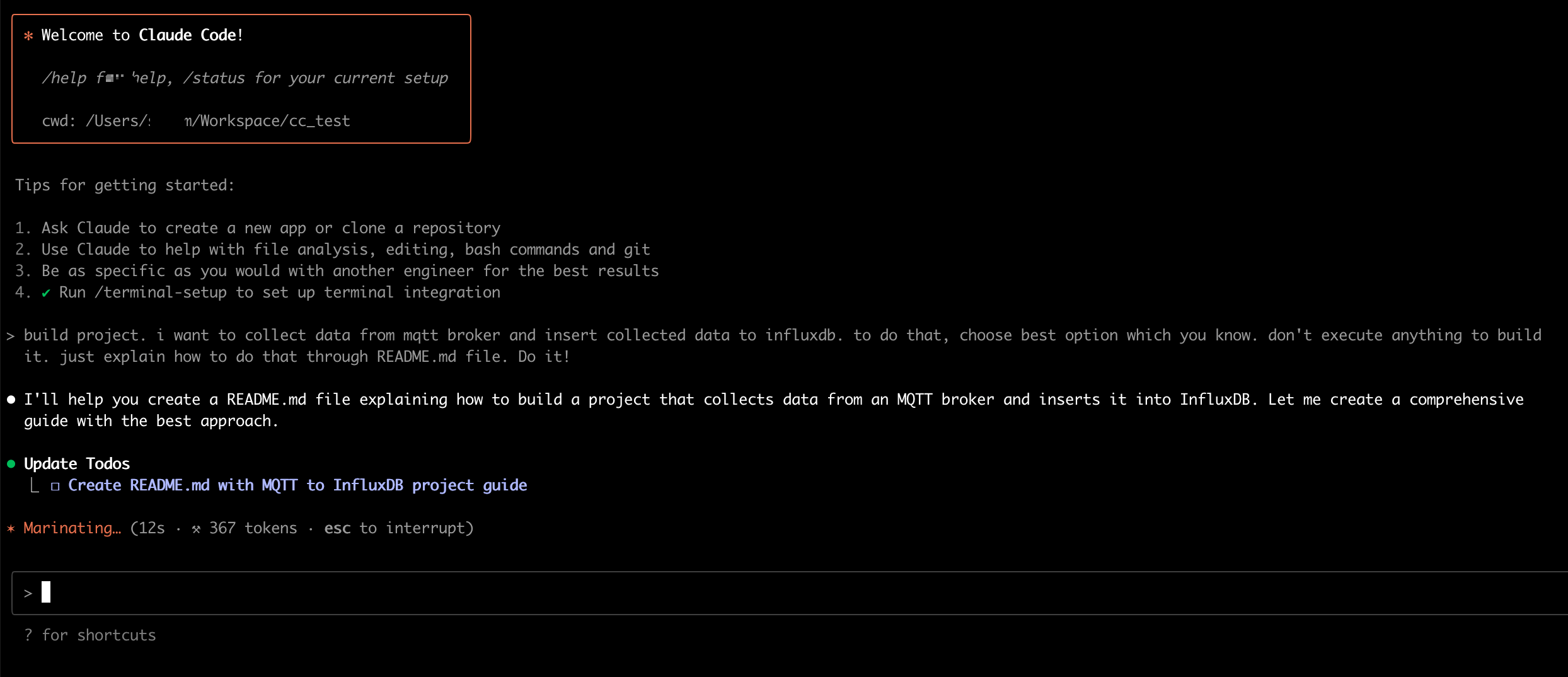
build project. i want to collect data from mqtt broker and insert collected data to influxdb. to do that, choose best option which you know. don't execute anything to build it. just explain how to do that through README.md file. Do it!
과연 어떤 결과가 나올까...

뭔가 잔뜩 적어주고 README.md를 만들건지 말지 물어본다.
전에 MCP 쓸때 불편했던게 계속 권한 체크를 해줘야 됬던건데 2번째 옵션이 흥미롭다.
일단 만들고 이 세션에서 더이상 물어보지마 라고 하는데, 좋은 것 같다.

결과물을 보면 질문을 했을때 Update Todos 에 할일을 넣고 Write하고 Todo list에서 수행한걸 지우고 수행 내용을 보고한다.
흠....
todo list 업데이트 하고 단계별로 안내 해달라고 했는데

대단한데..?
잘 써먹어봐야겠다.
'sw' 카테고리의 다른 글
| PaddleOCR 한국어 OCR 하기 (0) | 2025.09.22 |
|---|---|
| micropython은 time.time대신 ntptime.time으로 timestamp를 찍자 (raspberry pico2w, esp32) (0) | 2025.09.03 |
| label-studio 설치 및 local storage file upload (3) | 2025.08.01 |
| raspberry pi pico 2w watchdog 사용하기 (1) | 2025.07.31 |